Design Drawings
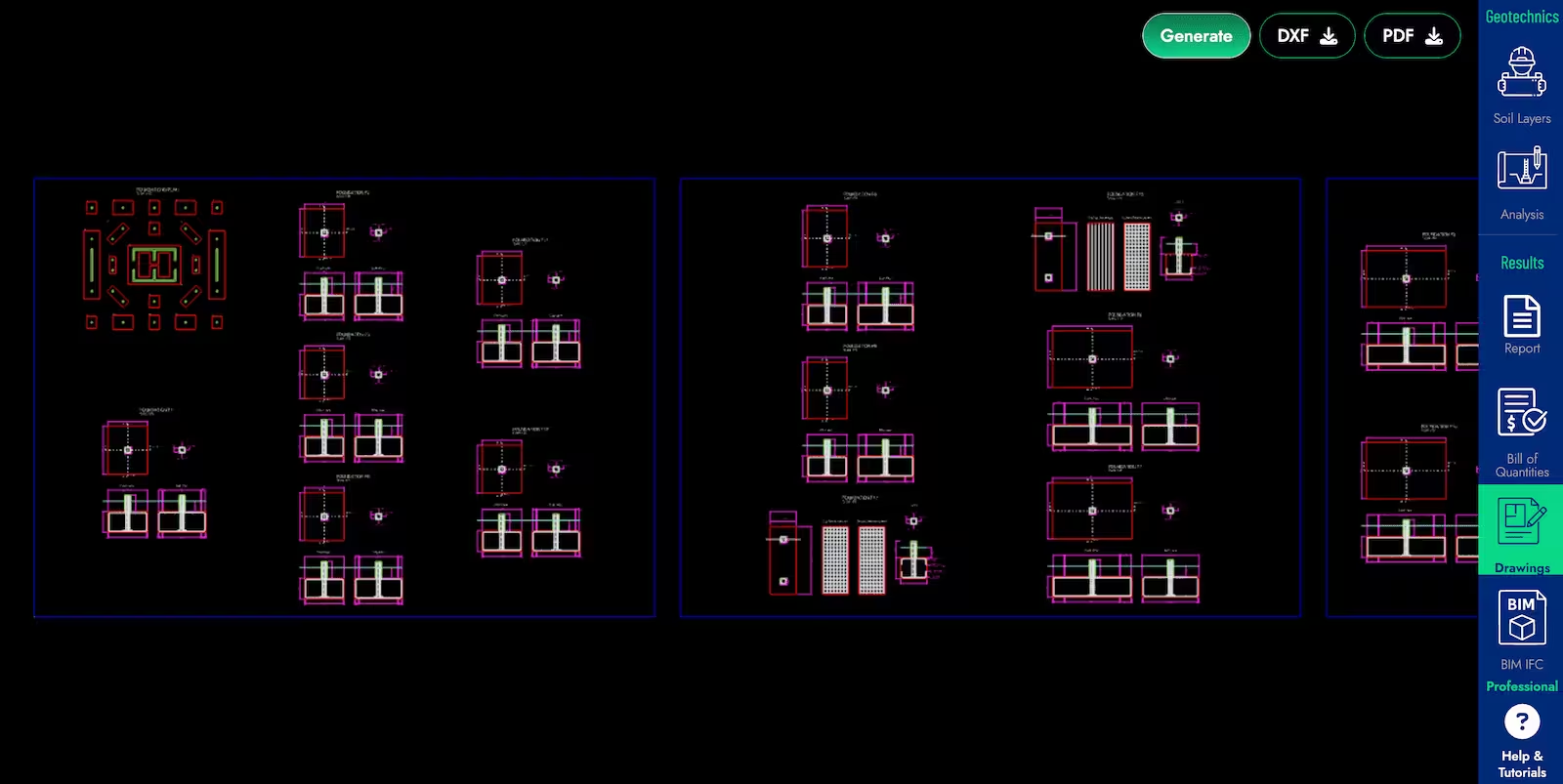
Design drawings of the project can be generated in Foundaxis by pressing the Generate button on the Drawings tab. These drawings include plans and sections that illustrate the foundations and reinforcement design.
The plans will be displayed in the model space. You can zoom in and out with the mouse wheel and scroll with the right mouse button.
After generating the drawings, you can download them in CAD format for further editing and detailing or PDF format for easy sharing and printing.