

New Tie Beam
Tie Beams do not provide rigidity to the foundations, however they activate the lateral restriction of the ground if this is not previously activated for the connected foundations.
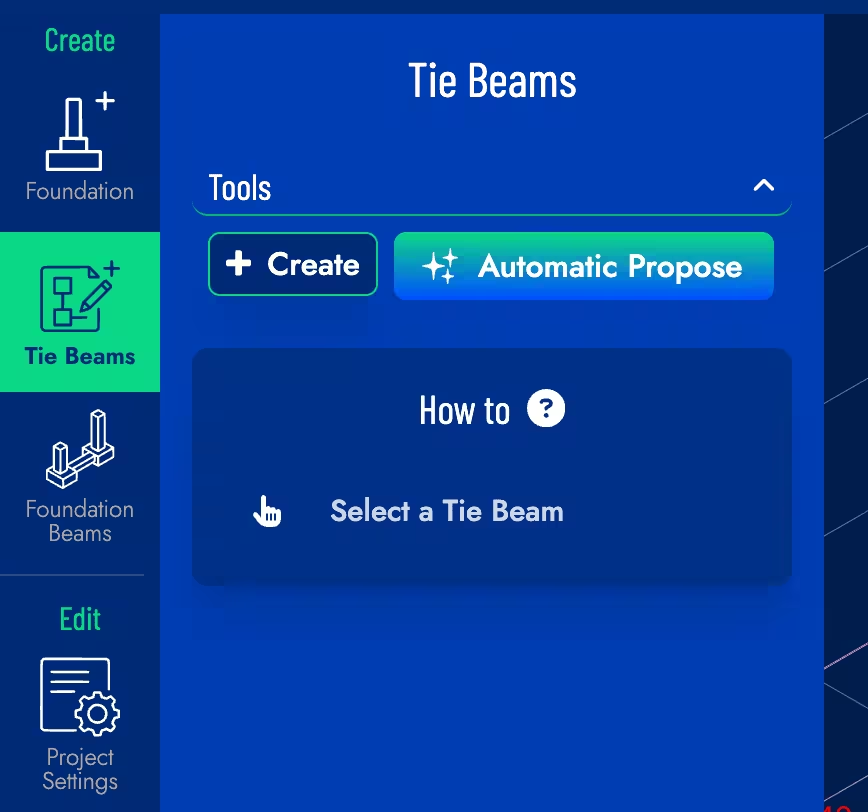
Create & Edit
Two buttons are available for creating tie beams:
-
Automatic Propose: The general pattern of foundations in the model is analyzed and tie beams are proposed automatically, you can add or delete tie beams later.
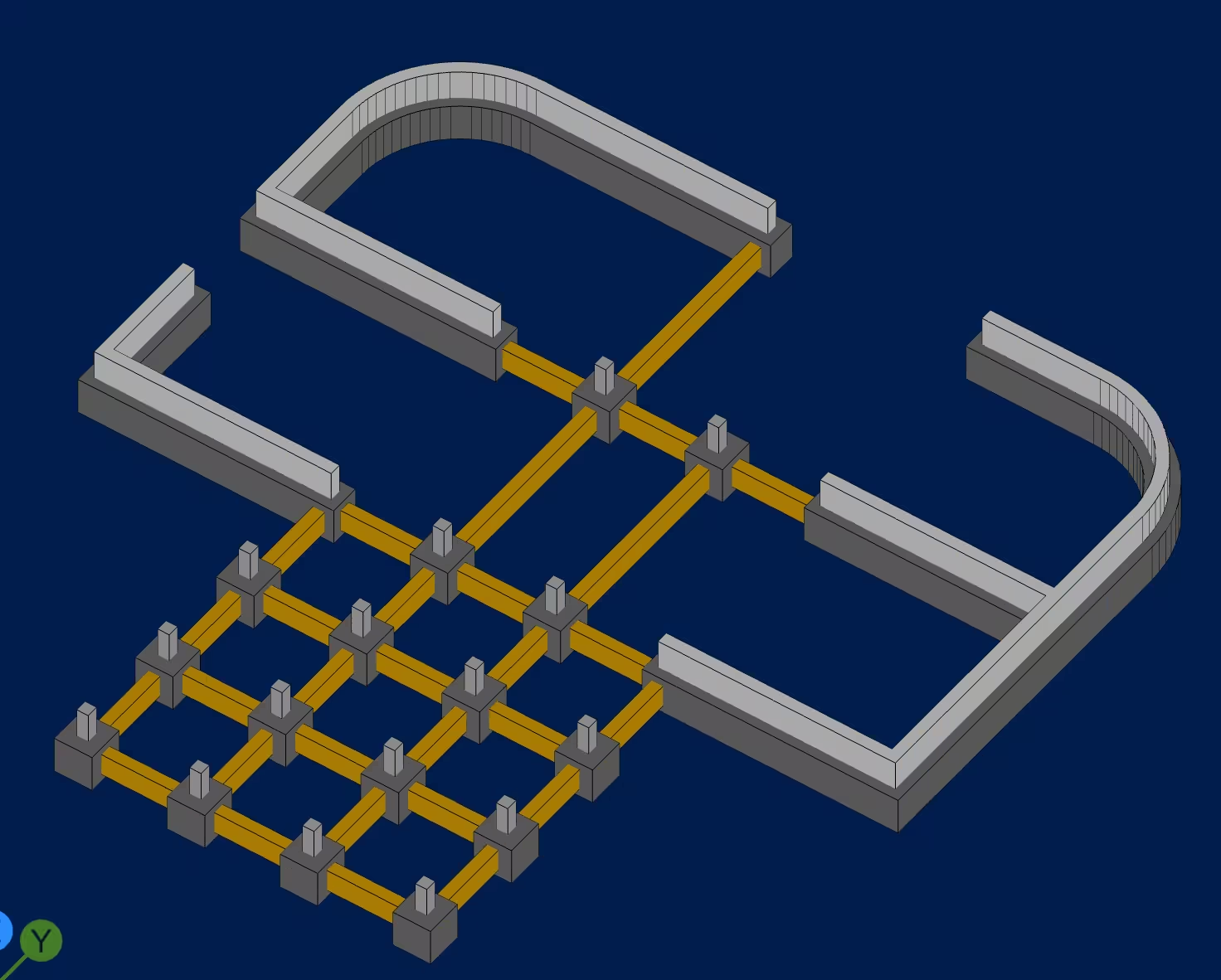
Example of automatically proposed tie beams
-
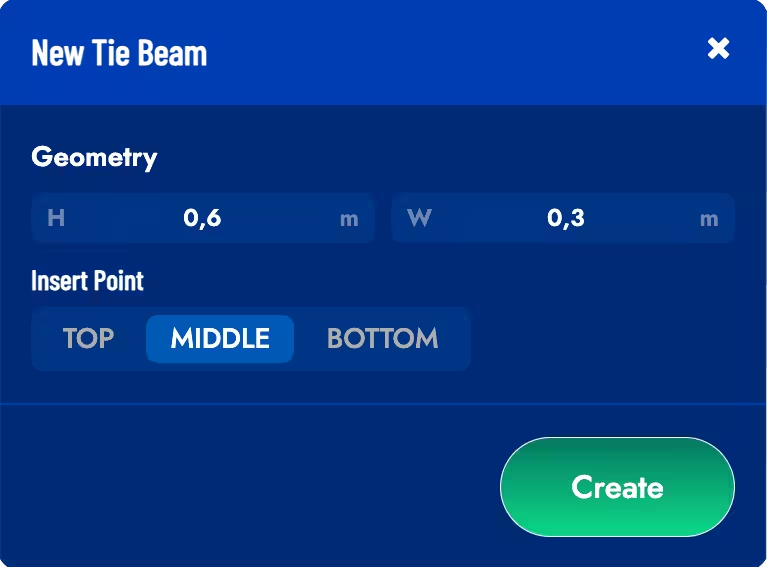
Create: A dialog box will open to enter the dimensions of the beam and its vertical alignment with respect to the foundations to be joined.
Select 2 Load Points between foundations to create a beam and press the Confirm button to confirm the creation. To move the beam-foundation connection point you must drag the corresponding arrows in the model.
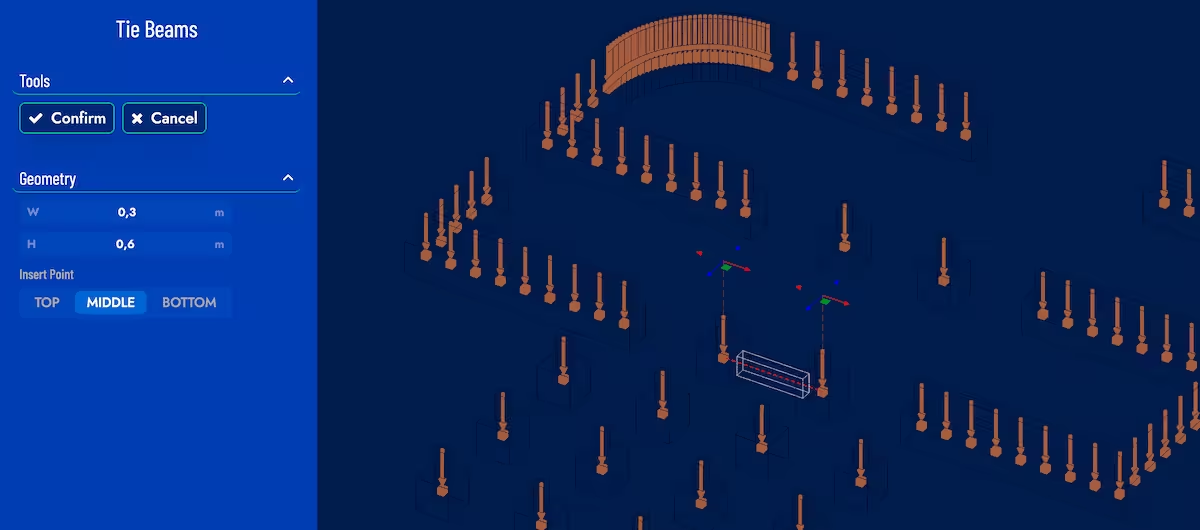
It is possible to edit/delete a created tie beam by clicking on it in the model. If you want to modify the beam-foundation connection points you must drag the arrows on the connection point.
Any change to the dimensions of a tie beam will be applied to all the tie beams in the model.