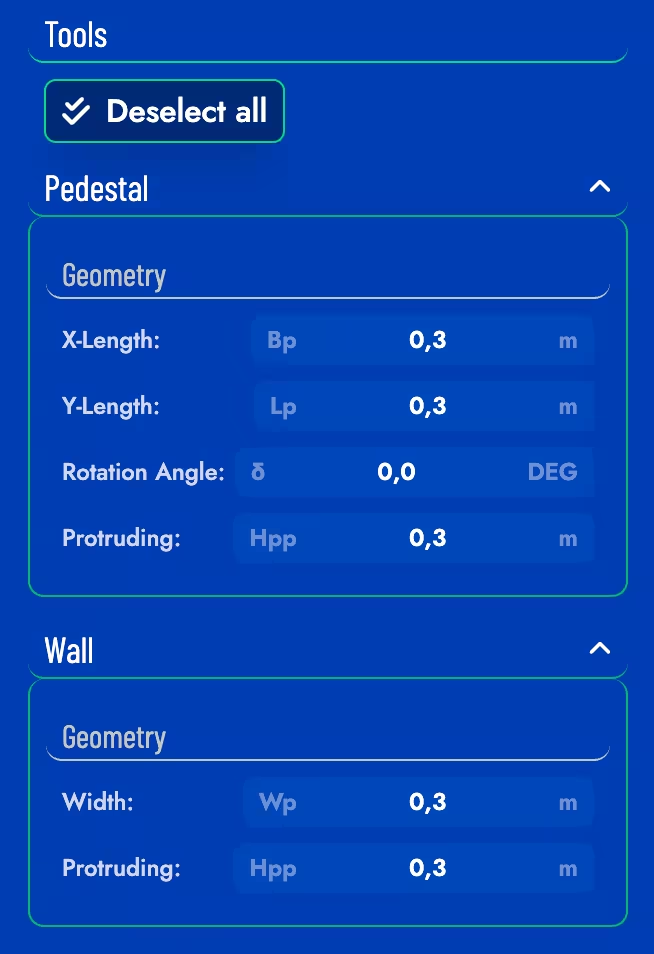
Pedestals & Walls
This section gives access to a quick way to edit pedestals and walls properties.
Pedestals
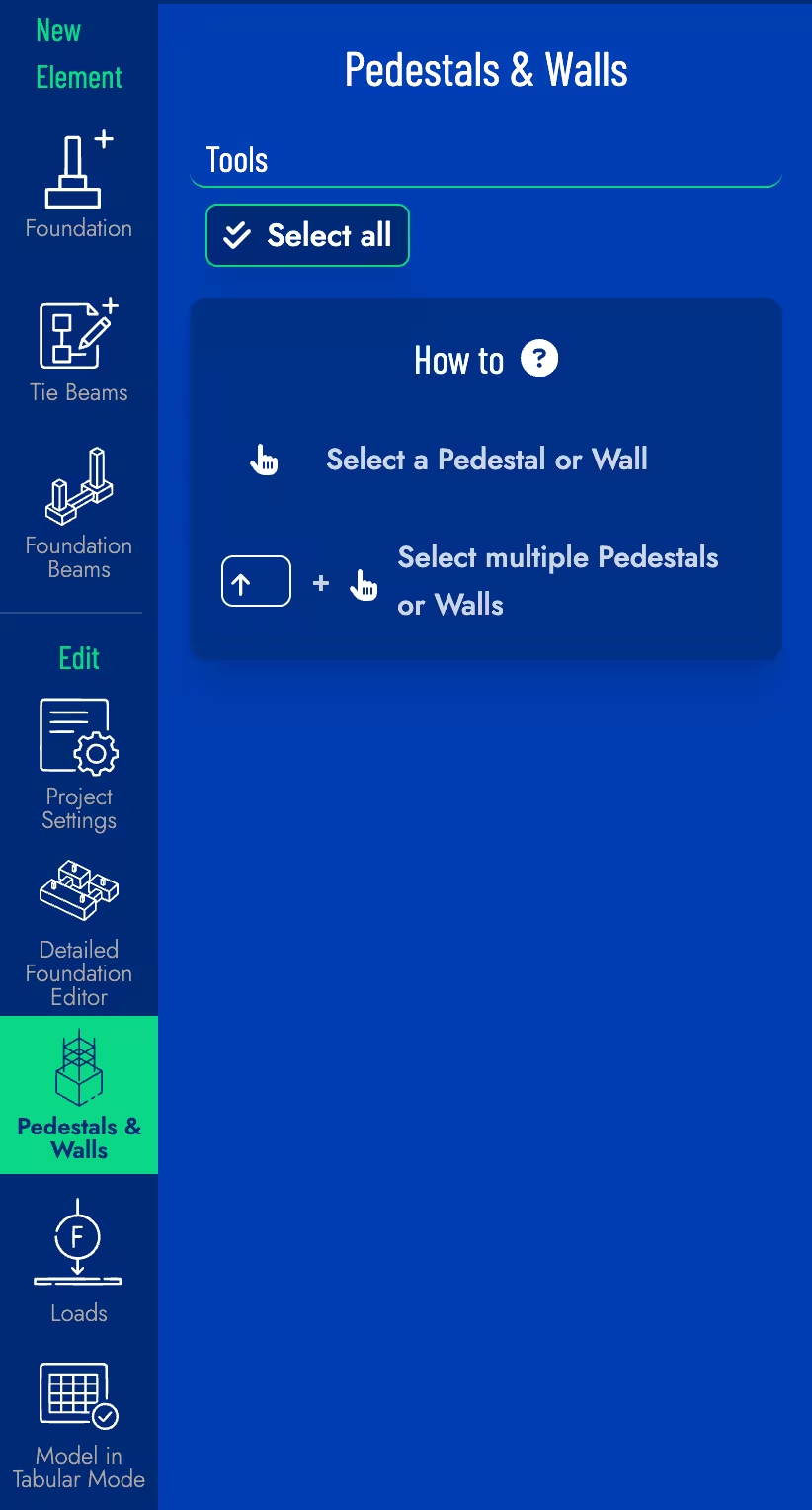
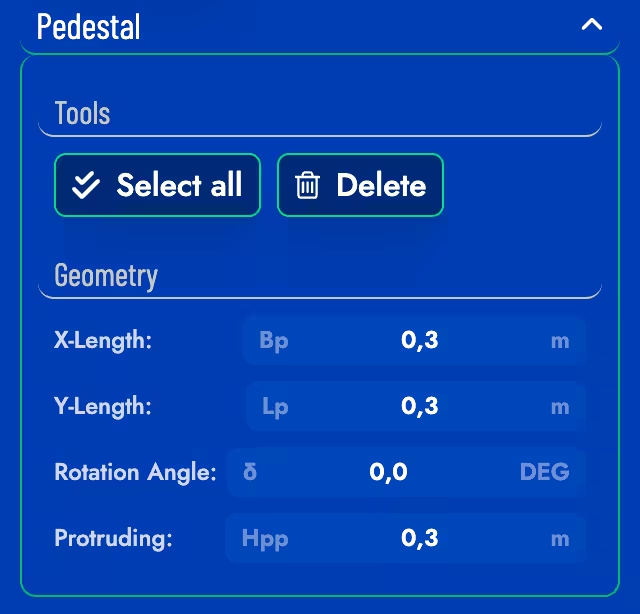
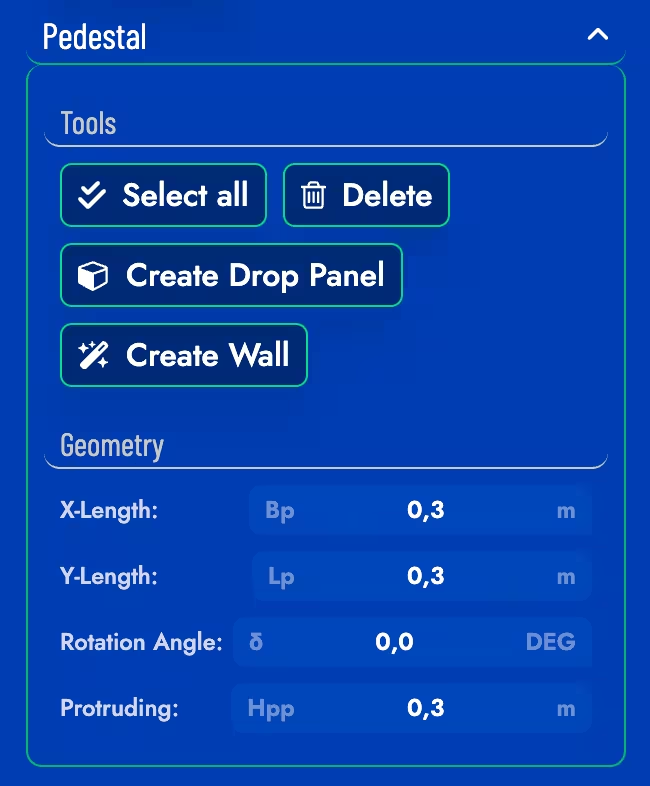
When selecting pedestals, you can change their dimensions (width, length and angle) and their protrusion height (Hpp). There is also the option to Select All to edit all pedestals at once and to Delete the selected pedestal.
Strip Pedestals
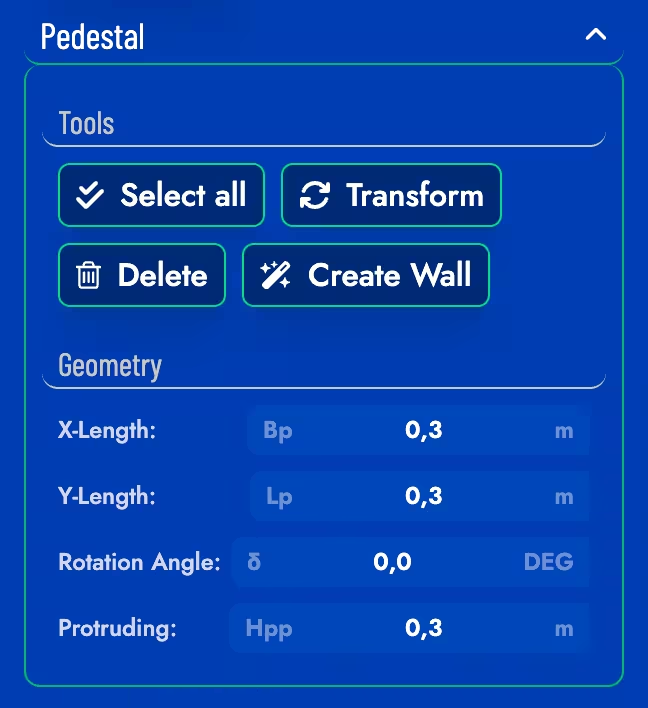
If the selected pedestals are part of a Strip foundation, there is also the option to Transform the pedestals into unloaded points and to Create a Wall if multiple pedestals of the same foundation are selected.
Mat pedestals
If the selected pedestals are part of a Mat foundation, there is also the option to Create Drop Panel and to Create a Wall if multiple pedestals of the same foundation are selected.
Walls
When selecting walls, you can change their width (Wp) and protusion height (Hpp). There is also the option to Select All to edit all walls at once, to Delete the selected wall and finally to Split the selected wall into pedestals.
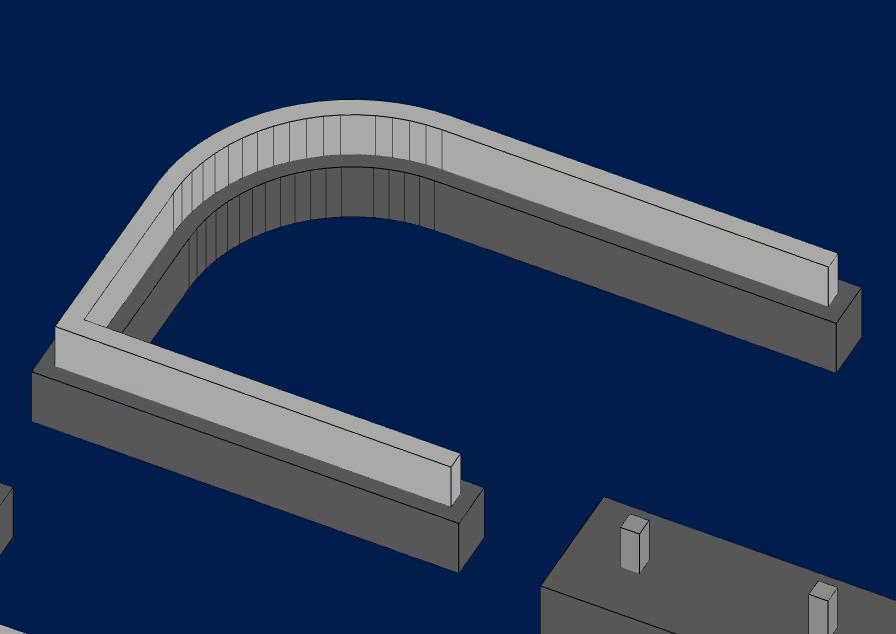

Example of splitting a wall into pedestals.
Mixed Selection
When both pedestals and walls are selected, the edit menu will show only the common properties that can be edited for both elements.